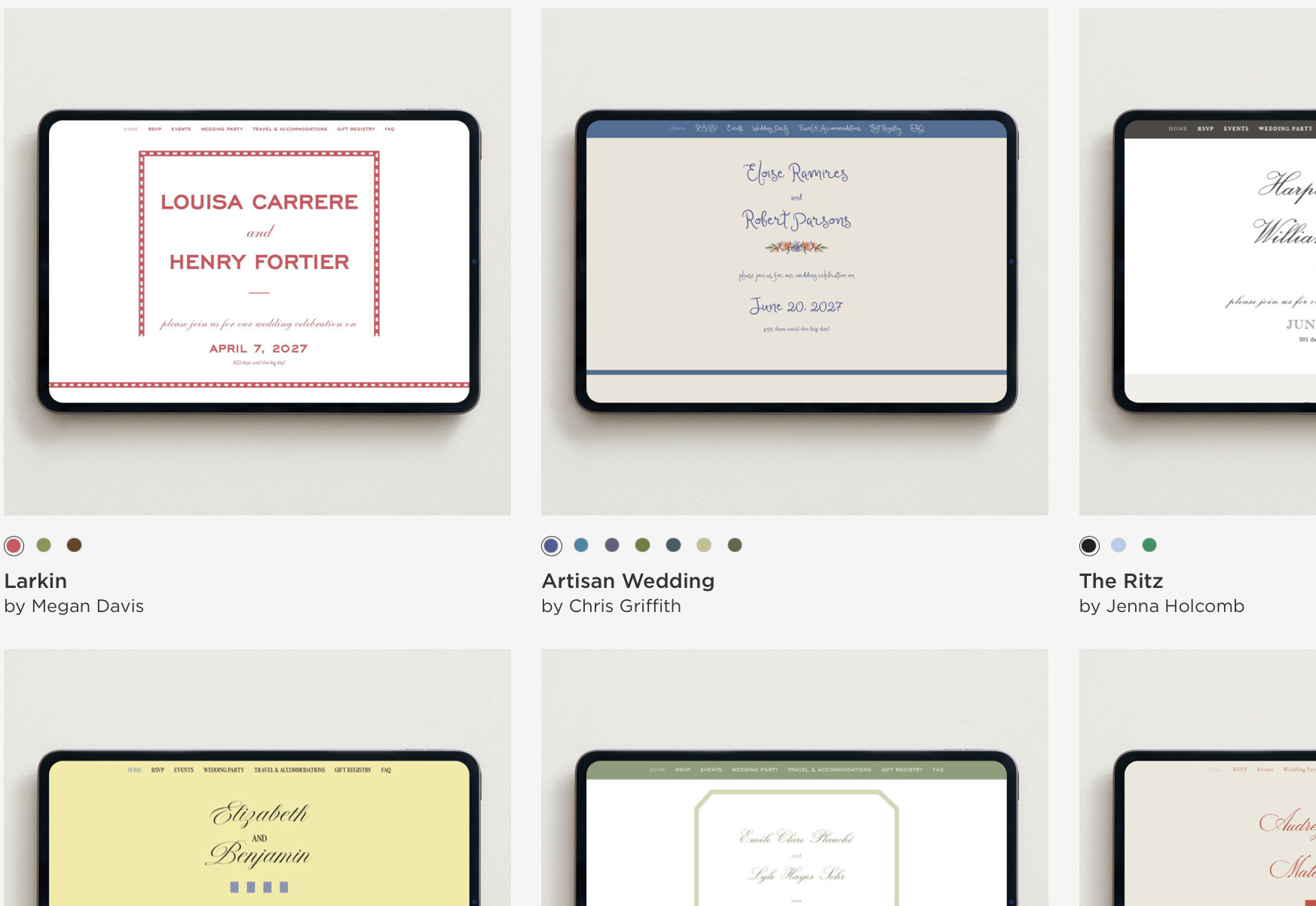
I find wedding websites to be a surprising point of friction in the planning process. It’s a task couples tend to procrastinate on, probably because it seems much more daunting than it actually is.
There’s the pressure to pick the perfect template, colors, photos, wording, and design. And because your wedding website is one of the first wedding related things your guests will see, it can feel like you’re making all of these big design decisions before you’ve actually made all of your big design decisions.
The good news is that wedding website platforms have made it fairly easy to plug in your information, pick a template, and move on.
And here’s something else I want you to remember: your guests are probably going to look at your wedding website only three times. They’ll look at it when they receive your save the date. They’ll go back when it’s time to RSVP. And they might check it one more time the week of the wedding when they’re trying to figure out where they’re going and what time they need to be there.
They are not analyzing your font choices. They aren’t going to notice that the shade of green on your website is different from the green on your formal invitations. And they definitely aren’t keeping track of whether you changed your color scheme between your save the dates and your wedding day.
What is important is that your guests have access to the information they need and that we’re giving them that information at the appropriate time.
So, don’t let your wedding website become a bigger project than it needs to be.
What Is the Purpose of a Wedding Website?
Your wedding website is essentially the information hub for your wedding. It gives your guests one place to find the details they need without having to text you every time they have a question about the dress code, hotel, parking, transportation, or whether their kids are invited. The goal isn’t to put every detail about your wedding online. The goal is to make things as clear and easy as possible for your guests.
When Should You Create Your Wedding Website?
You don’t need to have every detail figured out before creating your website. Ideally, get a basic version up before you send your save the dates. At that point, it can be pretty simple. Your names, wedding date, general location, and any travel or hotel information you already know are plenty to start.
You can continue adding information as plans are finalized.
This is another reason I don’t want you to get too hung up on your website in the beginning. It can change.
Before your formal invitations go out, we’ll go through the website again and make sure the important guest information is complete and accurate.
The Basics
At minimum, your website should clearly list:
- Your wedding date
- Ceremony and reception locations
- Ceremony start time
- Dress code
- RSVP information
- Hotel or lodging information
- Transportation and parking details
- Registry information
Think about the questions a guest might have while getting ready for your wedding. If the answer would be helpful to a large portion of your guest list, it probably belongs on the website.
Setting Up Your RSVPs
Your wedding website will most likely be where your guests RSVP, but when we actually open RSVPs depends on your catering style.
If You’re Having a Buffet
If you’re doing a buffet, you can typically open your RSVPs a little earlier because you don’t have to wait until after your tasting to collect meal selections. On the backend of your website, make sure there’s a place for guests to list any dietary restrictions or allergies when they RSVP.
If You’re Having a Plated Dinner
If you’re doing a plated meal, we’ll want to wait until you’ve completed your tasting and finalized your entrée selections before opening RSVPs. Guests should make their entrée selection at the same time they RSVP. If you open RSVPs before you’ve finalized the menu, you’ll have to circle back with each guest individually to collect their entrée selection later. Let’s save ourselves that headache.
Don’t Forget Your Plus Ones
Before RSVPs open, double-check the backend of your website and make sure all invited partners and plus ones have been properly added to each household.
You don’t want your guests running into issues when they’re trying to RSVP because the website won’t allow them to add the person who was invited with them.
I recommend testing your RSVP system yourself before sending invitations. Pretend you’re a guest and go through the entire process from beginning to end. This is a really easy way to catch confusing wording or setup issues before 150 people start using it.
Your Schedule
You don’t need to publish your entire wedding timeline. Your guests do not need to know that you’re taking photos at 2:15, cocktail hour ends at 5:30, and toasts begin at 6:45. Only include events that guests are invited to and information that affects them.
For example:
Friday
Welcome Party
7:00 PM
Saturday
Wedding Ceremony
4:00 PM
Cocktail Hour & Reception to Follow
Sunday
Farewell Brunch
10:00 AM
If certain events are only for select guests, be careful about listing them publicly on the website. Depending on your website platform, you may be able to make certain events visible only to the guests invited to them.
Travel & Hotels
If you have guests traveling from out of town, this will probably be one of the most visited sections of your website.
Include your hotel block information, booking link, booking deadline, and any important check-in information.
It’s also helpful to include:
- Closest airport
- Approximate travel time from the airport
- Whether guests should rent a car
- Public transportation options
- Rideshare availability
- Shuttle information, if you’re providing transportation
- Parking information for the venue
If your venue has limited parking or you strongly recommend Uber, Lyft, public transit, or a shuttle, say that clearly.
Don’t make guests piece together the logistics themselves.
Dress Code
Please include a dress code.
“Wedding attire” means wildly different things to different people, so give your guests a little direction.
You can keep it simple:
Cocktail Attire
We’d love to see you in cocktail attire. Think suits, midi or knee-length dresses, jumpsuits, and dressy separates.
Or, if your wedding has a specific aesthetic, you can give guests a little more guidance about colors, fabrics, footwear, or weather considerations.
This is especially helpful for outdoor weddings.
If guests will be walking through grass, tell them. If the ceremony is outside, tell them. If cocktail hour is outdoors but the reception is inside, tell them.
And remember, PNW weather can be tricky. Even during the summer, evenings can get brisk. If guests are going to be outside for a significant portion of the wedding, encourage them to bring a light jacket or layer.
Guests appreciate knowing what they’re dressing for.
FAQs
Your FAQ page is your opportunity to answer questions before they end up in your inbox.
You don’t need 25 questions just to fill the page. Only include questions that are actually relevant to your wedding.
Here are a few common ones:
Can I bring a plus one?
Your invitation will indicate whether a guest has been included in your invitation.
Are children invited?
Be clear here. If you’re having an adults-only wedding, your website is a great place to reiterate it:
While we love your little ones, our wedding will be an adults-only celebration. We appreciate you making arrangements in advance so you can celebrate with us!
What time should I arrive?
I recommend telling guests that doors open 30 minutes before the ceremony. Confirm this timing with your venue, but 30 minutes is a good standard.
Is there parking?
Don’t just answer yes or no. Give your guests the actual parking instructions. If parking is limited, paid, valet-only, or a few blocks away, this is where you should explain that.
Will transportation be provided?
If you’re offering a shuttle, include pickup locations and timing once those details are finalized.
Is the wedding indoors or outdoors?
This is especially important when guests need to plan for weather and footwear.
When is the RSVP deadline?
Make this very easy to find.
Your Registry
Your wedding website is the perfect place for your registry links.
You don’t need to include registry information directly on your invitation. Instead, guests can access it through your website.
If you’re registering at multiple places, link everything in one section so guests don’t have to hunt around.
Your Story
This section is completely optional.
If you want to write about how you met, your first date, your proposal, or your relationship, go for it.If writing your love story for the internet makes you cringe, skip it.
Your wedding website is allowed to just be functional.
You don’t need an elaborate relationship timeline, engagement photos from every year you’ve been together, or a paragraph about every member of your wedding party unless you genuinely want those things.
These are exactly the kinds of extras that can turn a relatively simple planning task into something you avoid for three months.
Photos
Add a few!
Engagement photos are perfect for your wedding website, but you don’t need to upload your entire gallery. A handful of favorites will make the website feel personal without overwhelming it.
If you don’t have engagement photos, use photos you already love of the two of you.
Again, don’t overthink it.
Don’t Forget to Update It
Your wedding website isn’t necessarily a “set it and forget it” task.
As you get closer to the wedding, things will change and more details will be finalized.
A few weeks before the wedding, do one final website audit.
Check that:
- Addresses are correct
- Links still work
- Hotel information is accurate
- Transportation details are finalized
- Parking instructions are clear
- Event times are correct
- The dress code is listed
- The RSVP deadline is correct
- Any outdated placeholder information has been removed
I also recommend looking at the website from your phone. That’s how most of your guests will access it, especially during the wedding weekend.
Remember What the Website Is Actually For
Your wedding website doesn’t need to perfectly encapsulate your wedding aesthetic.
It doesn’t need to be groundbreaking. It doesn’t need custom graphics. It doesn’t need to match every piece of stationery you’re going to send over the next year.
It needs to work.
Can your guests figure out where they’re going? Do they know when to arrive? Can they book their hotel? Do they know what to wear? Can they RSVP without calling you? Can they figure out where to park the week of the wedding?
Then your wedding website is doing its job.
Get the basic information up, hit publish, and keep planning.
–


